 Console and gaming buying advice
Plan accounts before game night
Family gaming is easier when accounts are set up before everyone is waiting on the couch. Create the adult account first, then child profiles, parental controls, and purchase restrictions. Decide whether each player needs a separate profile for saves. This matters for games where progress, unlocks, and online identity are tied to a user profile.
Buy controllers based on the games you play
Party games, platformers, racing games, and fighting games all stress controllers differently. Some families can start with the included controllers and add one comfortable full-size controller. Others need a full set for local multiplayer. Do not buy accessories only because they are bundled; buy around the games your household will actually play.
Storage fills faster than expected
Digital libraries are convenient, but family consoles collect demos, updates, screenshots, and multiple large games quickly. A storage card is usually one of the first practical upgrades. Physical games can help, but many still require updates or downloadable content.
Parental controls are not only about age ratings
Good parental control setup also covers spending limits, friend requests, chat features, play-time reminders, and whether children can share screenshots or clips. Set these once, then revisit them as kids get older and games change.
The best family setup is boring in a good way
The goal is fewer interruptions: charged controllers, enough storage, clear accounts, and a short list of reliable multiplayer games. When the setup disappears into the background, the console becomes what it should be: an easy shared activity.
Create a shared charging plan
Family consoles fail in boring ways: dead controllers, missing straps, and a dock blocked by clutter. Set one place where controllers charge, cases live, and game cards return after play. A simple charging routine matters more than buying every accessory on day one.
Decide how digital purchases work
Families should decide who controls purchases before children start browsing the store. Keep the payment method behind the adult account, require approval for purchases, and explain which games are shared household games versus individual rewards. That prevents accidental spending and keeps the library organized.
Pick a starter library with variety
A good family starter library usually includes one local multiplayer game, one longer adventure, one racing or sports title, and one quieter solo game. Variety keeps the system useful across moods and ages. Avoid buying five similar games at launch just because they are popular.
Travel changes the setup
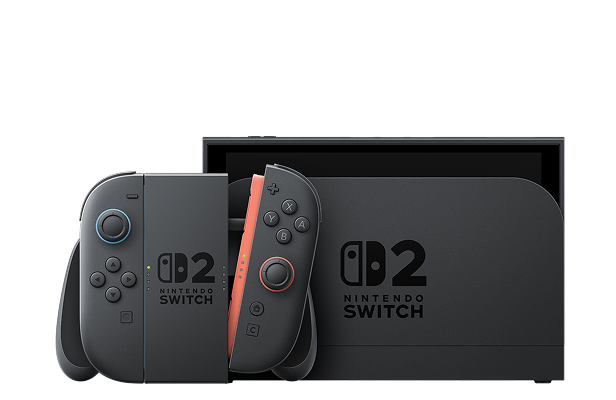
If the Switch 2 will travel, budget for a case, screen protection, compact charger, and a rule about where game cards go. Portable systems are more likely to be dropped, misplaced, or run out of battery. Treat travel gear as protection for the console, not optional decoration.