 Console and gaming buying advice
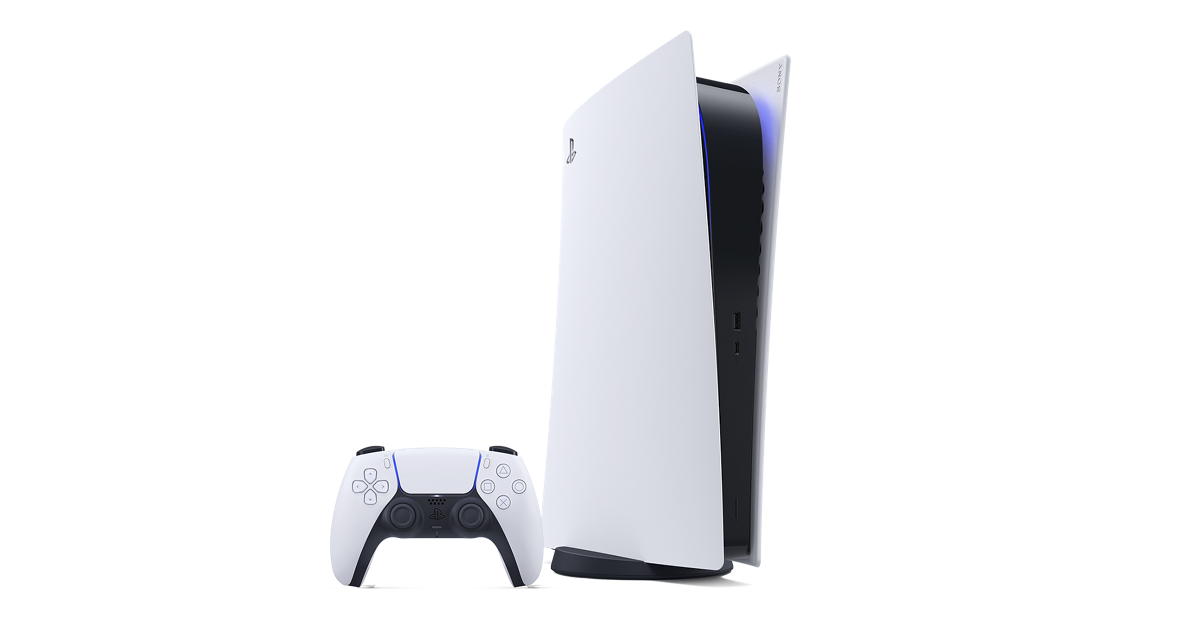
Start with the games, not the box
The best console in 2026 is still the one that plays the games you actually want. Hardware arguments matter, but they come second to exclusives, subscriptions, controller preference, family accounts, storage costs, and how often you play online with friends. A PlayStation setup makes sense if you care most about Sony first-party releases and cinematic single-player games. Xbox is stronger if Game Pass, backward compatibility, and cross-device play matter. Nintendo remains the family and local multiplayer default, especially as Switch 2 becomes the center of Nintendo buying decisions.
Performance labels can be misleading
Terms like 4K, 120 Hz, ray tracing, HDR, VRR, and AI upscaling sound simple, but they do not guarantee the same experience in every game. Many console games still ask you to choose between quality and performance modes. A quality mode might look sharper but run at 30 frames per second. A performance mode might feel smoother but reduce resolution, shadows, or ray-tracing effects. Before buying a system for one feature, check how the games you play use that feature.
Storage is part of the real price
Modern games are large enough that storage should be treated as part of the console budget. A cheaper console can become less cheap once you add a fast expansion drive or external storage. Families with multiple players should assume that the default storage will fill quickly. Prioritize consoles with easy storage management, clear expansion options, and good cloud-save behavior.
Handheld PCs are powerful but less console-like
Steam Deck, ROG Ally, Legion Go, and similar handheld PCs can be excellent for players who want a portable PC library. They also require more patience. Battery life, launcher compatibility, shader compilation, Windows updates, controller mapping, and graphics settings can turn a simple gaming session into a maintenance session. If you enjoy tweaking, handheld PCs are exciting. If you want a living-room appliance, a console is still easier.
A sensible buying order
First, list the five games or franchises you care about most. Second, check where your friends play. Third, confirm whether you need local multiplayer, parental controls, or travel play. Fourth, price the storage and subscription you will realistically use. Last, compare visual features. This order prevents the common mistake of buying a spec sheet instead of a gaming setup.
Budget for the ecosystem, not only the console
A console purchase usually becomes a small ecosystem purchase. The real total includes a second controller, a charging dock or batteries, online service, storage expansion, headset, protective case for portable systems, and the first few games. A cheaper console can become the more expensive setup if the accessories you need are proprietary or if the subscription is essential to the way you play.
Think about who else uses the system
A solo player can optimize around performance and exclusives. A shared household has different needs: easy profile switching, parental controls, durable controllers, split-screen options, and simple storage cleanup. The best family console is often the one that creates the least friction when multiple people want to play different things.
Physical, digital, and subscription libraries
Digital libraries are convenient and hard to lose, but they lock you deeper into one storefront. Physical games can be resold, shared, or collected, but availability changes and many games still need large downloads. Subscription catalogs are good for discovery but should not be treated like permanent ownership. A smart setup usually mixes all three.
When waiting makes sense
Waiting is reasonable if your current system still plays the games you care about, if a major game has not launched yet, or if rumors point to a hardware revision but you are not in a hurry. Buying now makes sense when there are several confirmed games you want today and the current price fits your budget. Do not wait forever for a perfect future console.